Product release notes: May 2020

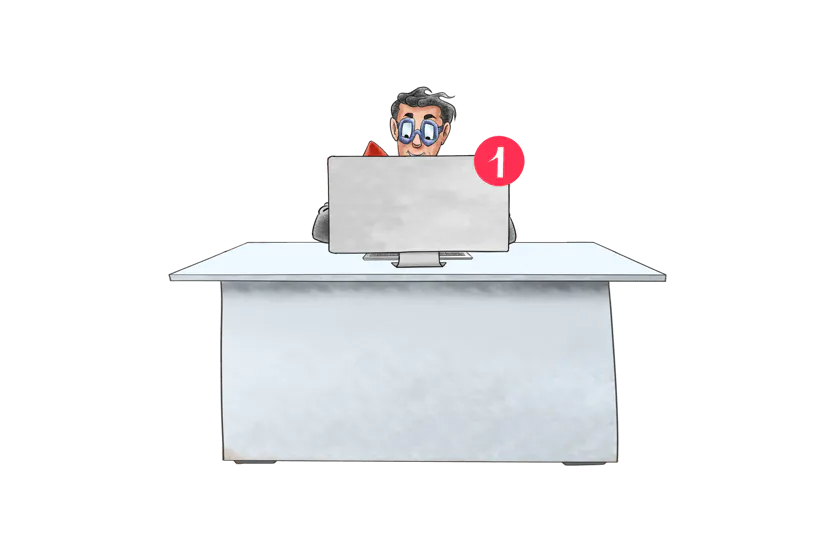
They say a picture is worth one thousand words, so then a video must be worth tens of thousands of words? Millions? Billions? Which ever it is, you can now let the videos do the talking for your Yarno questions with our new video question banners feature.
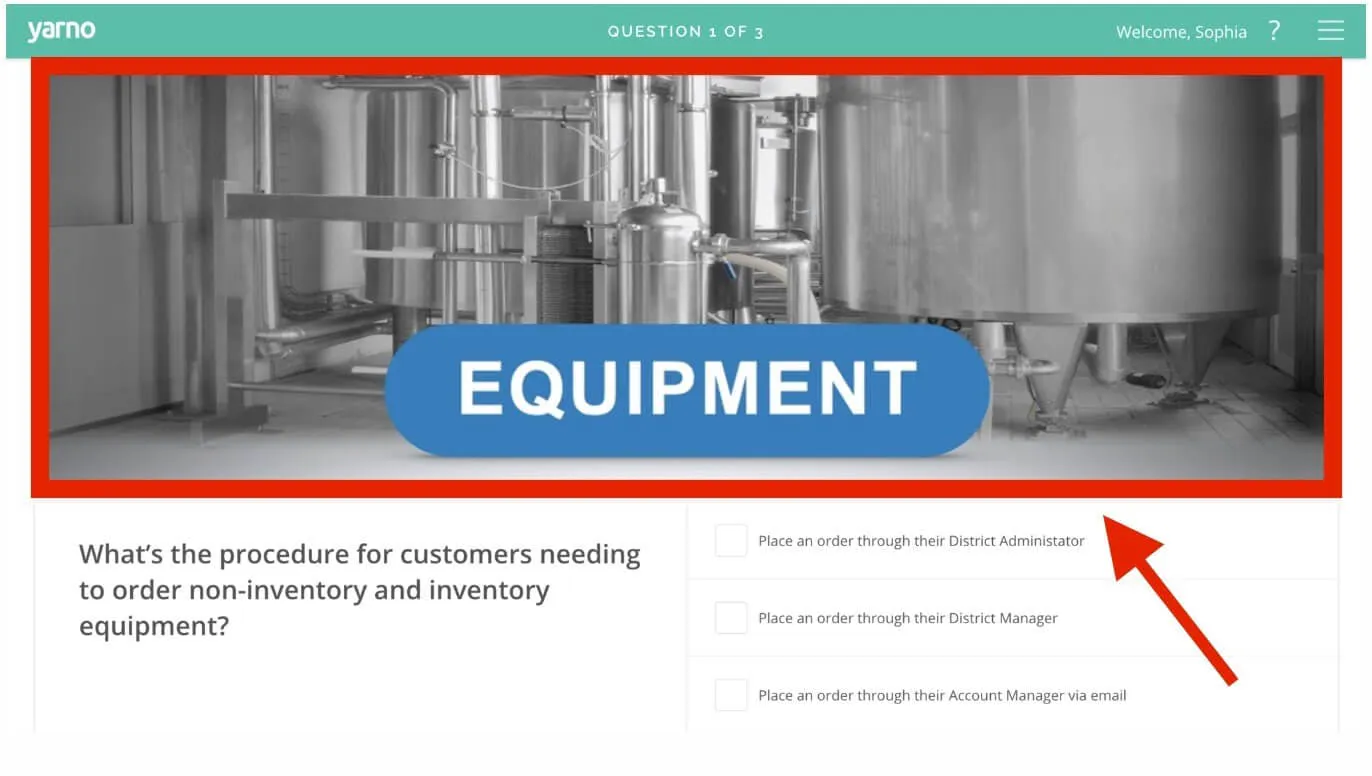
What is a question banner you may ask? A question banner is the media above a question which you can see below. This new question banner feature means you can now add videos and gifs (as well as the usual images) to Yarno question banners!
I love it! How do I get started?
How do I add a video?
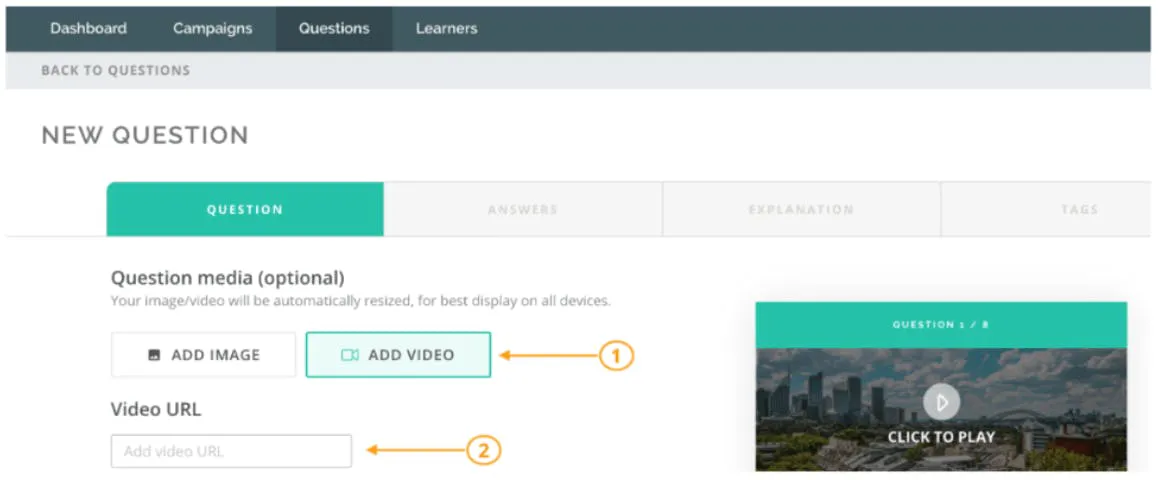
To add a video, you first need to create (or edit) a new question. Do so by clicking on the "Create a new question" in the questions tab within Yarno. Here you will have the option to 'Add Image' or 'Add Video' where you should:
- Select "Add Video"
- Paste the YouTube or Vimeo link into the 'Video URL' input
Can I get the video to start at a particular point?
You sure can! Just put the relevant time parameter into the "Video URL" field when creating a question. Note that we only accept YouTube and Vimeo links. For YouTube, that should look something like this: https://youtu.be/SoZ41i2dSIw?t=10 and for Vimeo, it looks like this: https://vimeo.com/23068594#t=105s. The ?t=10 bit at the end tells the video player to start playing the video 10 seconds in.
For information on how to get the link of a video to start at a certain point, see our support article on the video question banner feature.
How do I add a GIF?
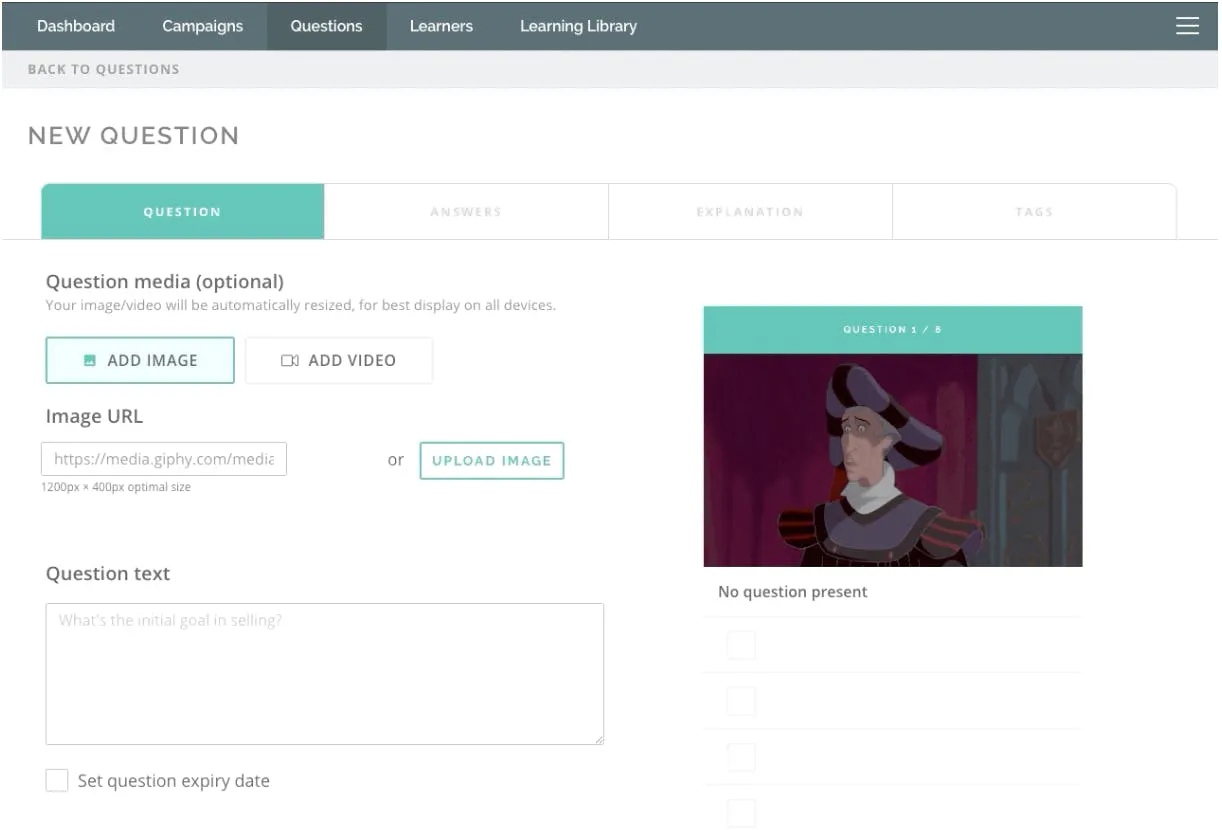
To add a GIF, you will need to upload your GIF to a content delivery network (CDN) website like Giphy. Then you can click on the 'Add Image' button in Yarno and paste the link to your GIF into the "Image URL" field.
Great job! Now that you know how to add video banners to your questions so that they can do the talking, all you have to figure out is what you want your questions to say.